June Week 4
Automatically review every voice interview for cheating after the call, capture who you hired the moment you close a role, start a coding test with questions already matched to the job, open any Insights report straight in Google Sheets, and let candidates save a role and come back to it later.
- voice
- proctoring
- jobs
- assessments
- insights
Voice
Catch what slipped past the live camera
Voice interviews already watch the camera during the call, but a quick camera-flip to a friend, a phone just out of shot, or someone feeding answers can slip through. Now every voice interview gets a careful second look once it's over.
- Every voice interview is reviewed automatically after it ends — nothing to switch on, nothing for the candidate to do, and zero effect on their call.
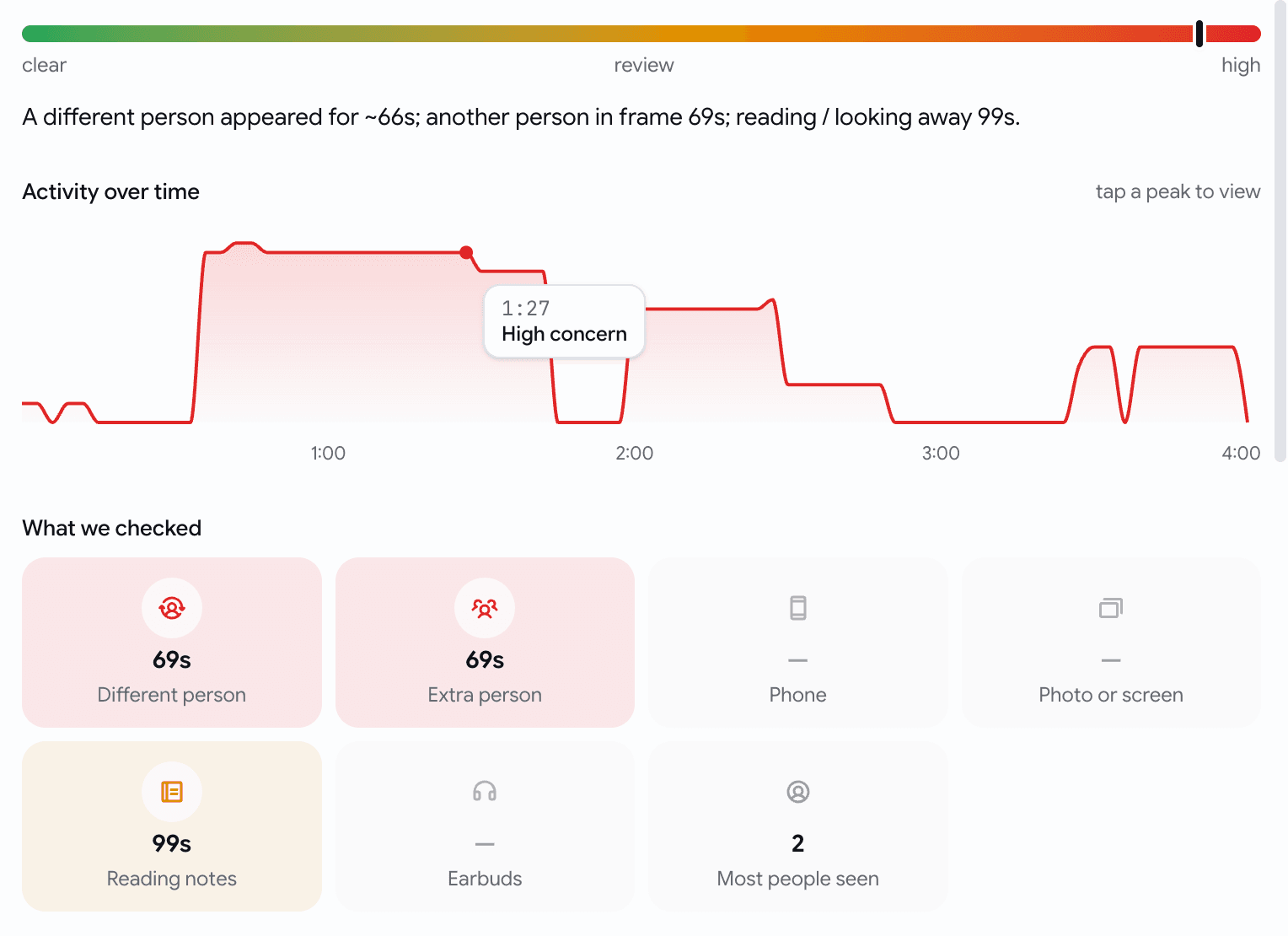
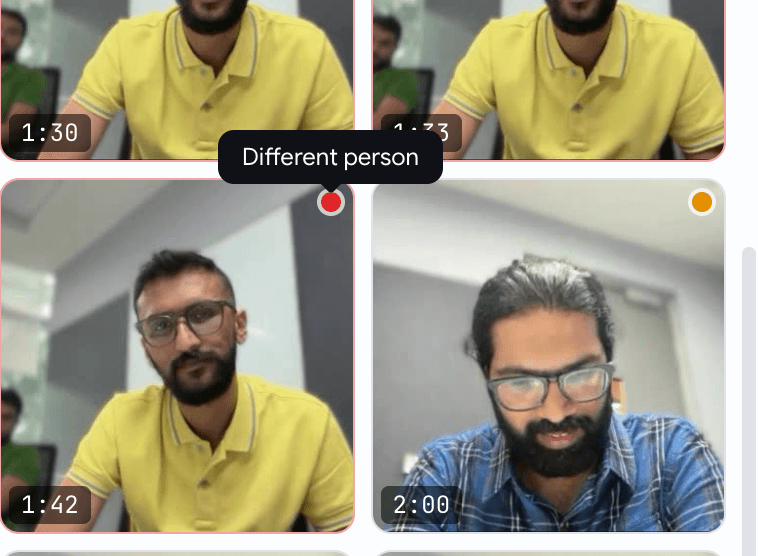
- It looks for the things that actually matter: a different person answering, an extra person in frame, a phone or earbuds, reading off notes, or a photo held up to fool the camera.
- A calm Video Proctoring summary lands on the candidate's voice assessment — a single reassurance line when nothing's off, and a clear verdict with the flagged moments when something is.
- Open the full report for a timeline of the whole interview, what we checked, and the exact flagged frames — tap any moment to jump straight to it.

Jobs
Closing a job now asks who you hired
Closing a filled role used to just flip a status — and the hire never made it into your numbers. Now closing asks the one question worth asking, and pre-fills the answer.
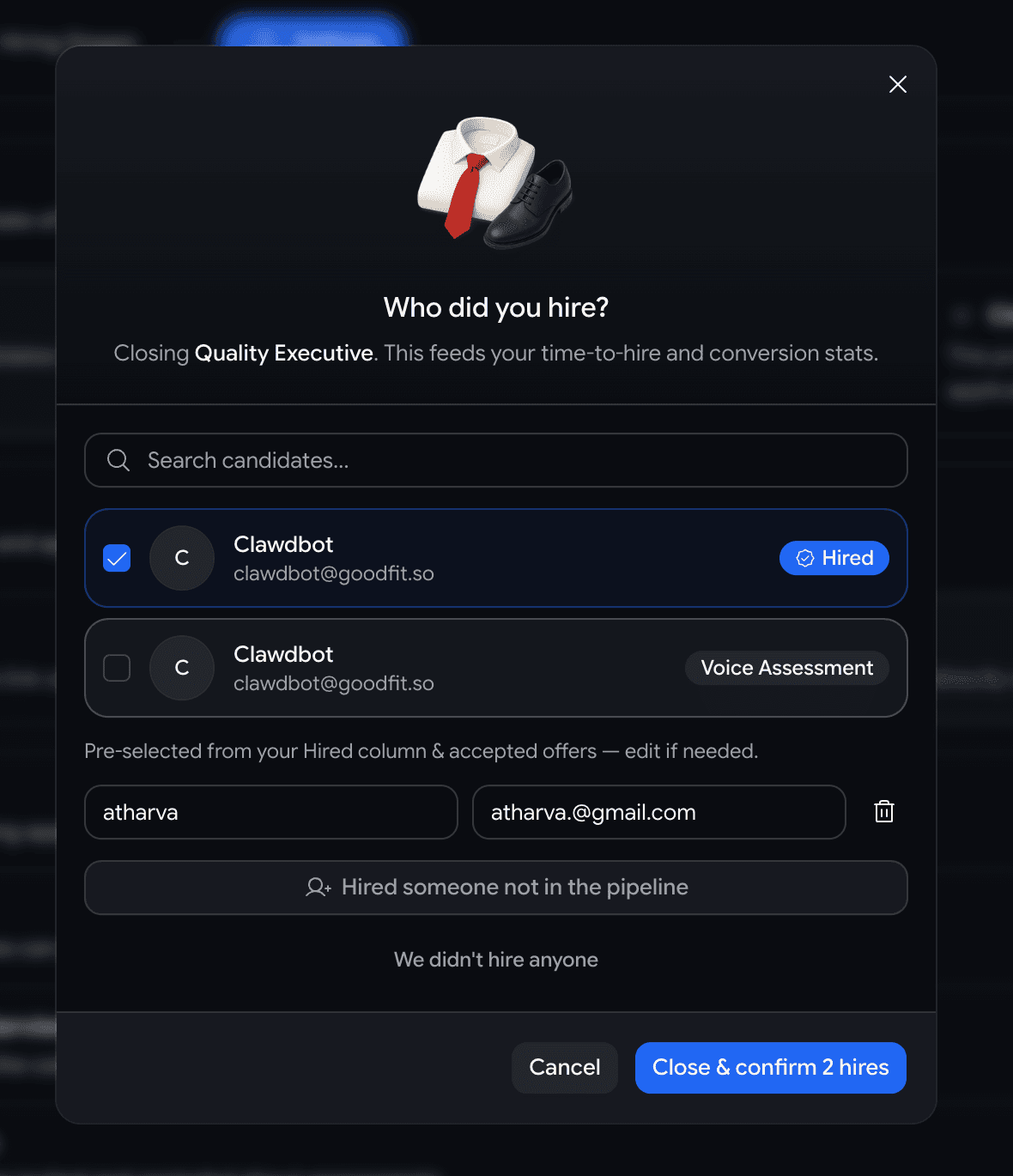
- Hit Closed on a job and a short Who did you hire? dialog opens, pre-checked with anyone already marked hired or holding an accepted offer — best case, you confirm and you're done.
- Hired someone from the pipeline? They're recorded as a hire, so time-to-hire, conversion, velocity, and sourcing stats fill in for free.
- Hired someone off-platform? Add their name — and email if you have it — as many people as you need.
- Didn't hire anyone? Pick a reason — filled internally, budget freeze, cancelled, still deciding — and leave a note.
Assessments
Building a coding test for a role? It suggests questions to start with
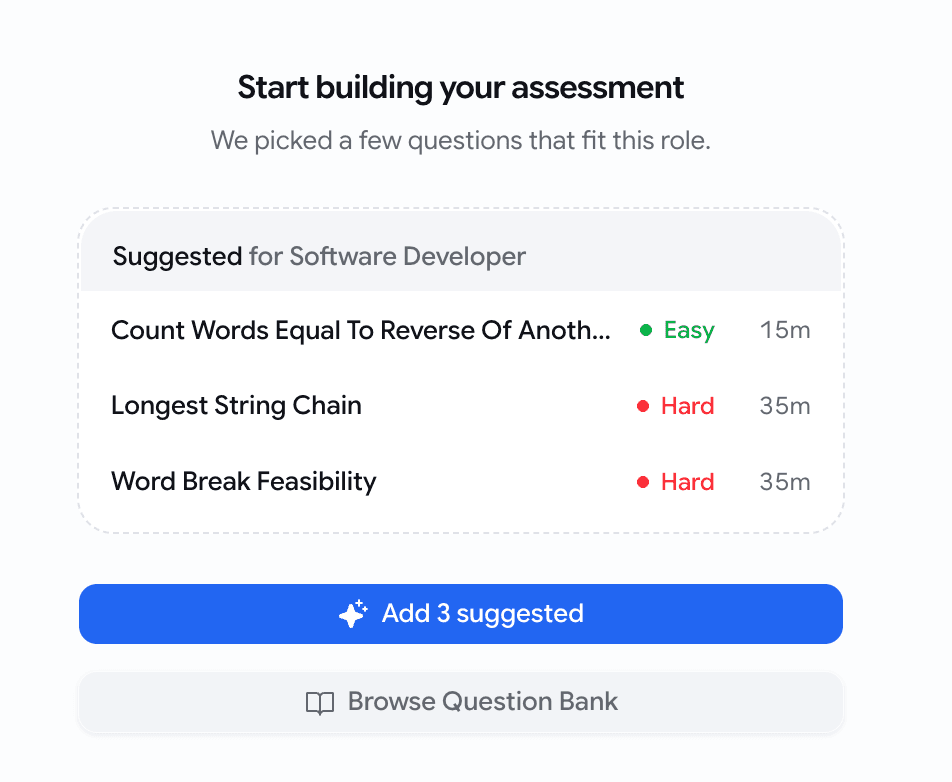
A coding assessment built for a specific job used to open as a blank bank you searched by hand. Now it opens with three questions already matched to that role.
- Create a coding assessment for a job and the empty state leads with 3 suggested questions, ranked against the job's title, description, and required skills.
- One Add 3 suggested tap drops all three in — then add, swap, or edit like any other question.
- Picks come straight from your existing question bank, so they're questions you already trust — surfaced up front instead of hunted for.
- Building a standalone test with no job attached? The plain builder is exactly as it was.
Insights
Open any Insights report straight in Google Sheets
Every Insights page already exported a CSV — but if you live in spreadsheets, that meant download the file, open Sheets, import it. Now it's one click.
- A new Open in Sheets button sits next to Download CSV on every Insights page — overview, pipeline, activity, and sourcing.
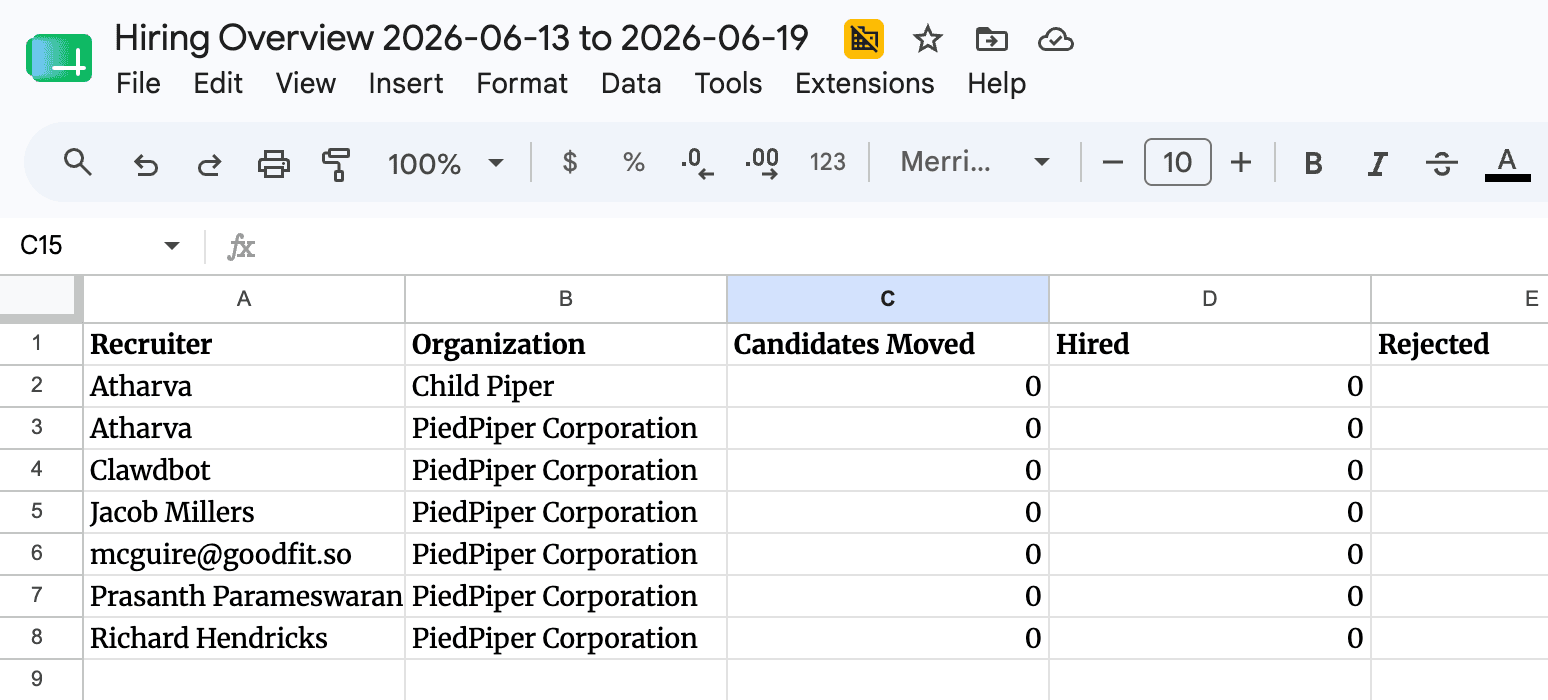
- It opens the data you're looking at as a live Google Sheet — one tab per section, with bold, frozen headers.
- It matches your filters and date range exactly — what's on screen is what lands in the sheet, nothing more.
- The sheet opens shareable by link, so you can hand the numbers to anyone who needs them.
Jobs
Candidates can save a role and come back to it later
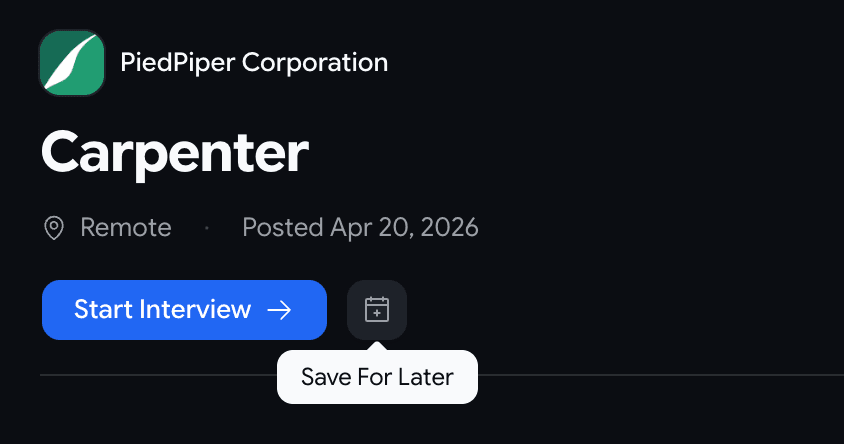
- A new Save For Later button sits beside Start Interview on public job pages.
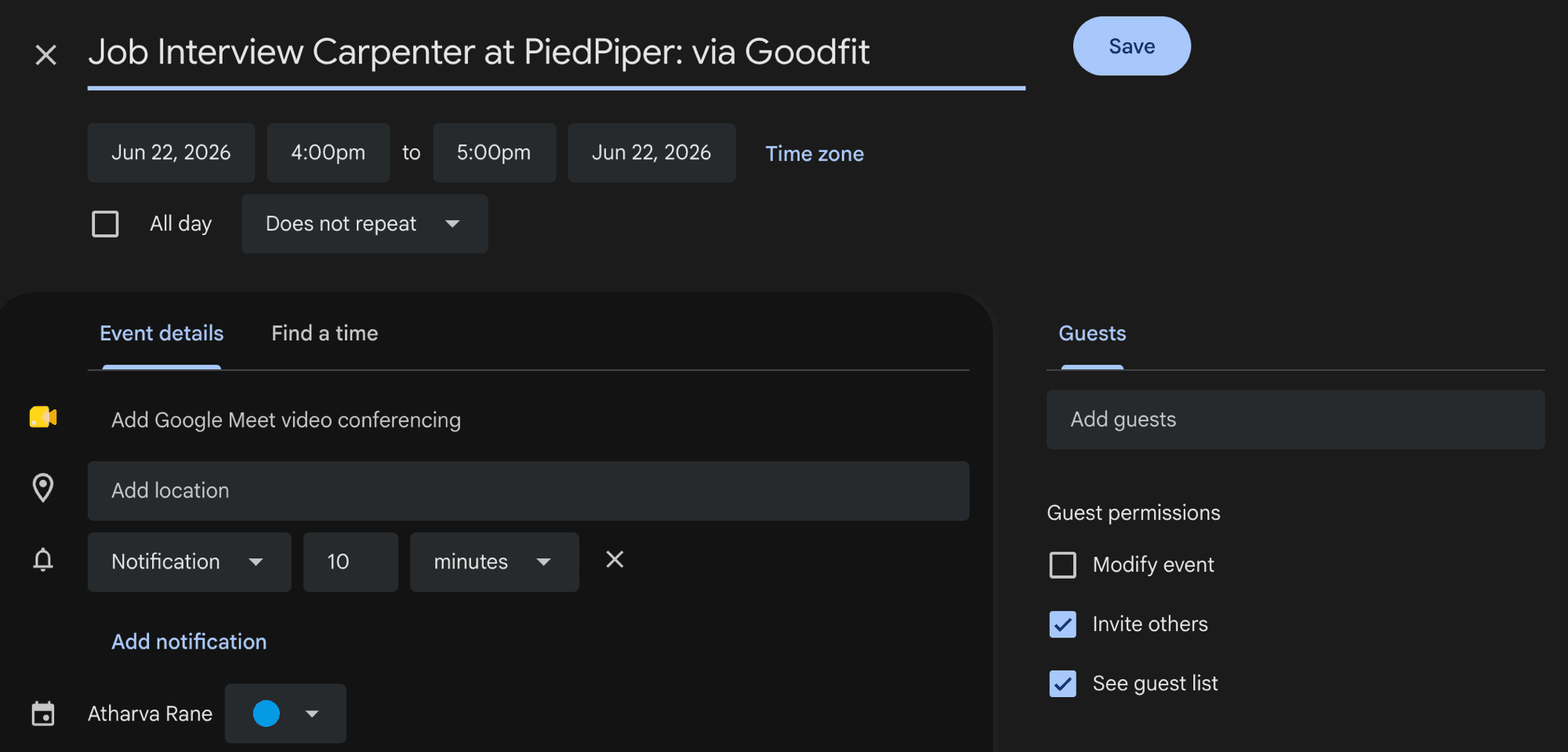
- One tap opens a Google Calendar reminder, pre-filled and linking straight back to the role — the candidate picks whatever time works for them.
- It's a personal reminder, not a booking — nothing is reserved and no one on your team is pinged.
July Week 2
Read every integrity signal for an assessment in one report with one verdict, catch candidates running an AI copilot in their browser, hand every candidate a different mix of coding questions, see the full history of who changed what on a job, and verify a candidate's ID straight from the government source with DigiLocker.
June Week 3
Score how well a candidate actually speaks the interview's language, hand a job and its notifications to the right teammate, drop a ready-made support video or getting-started banner into your invitation emails, walk candidates through what to expect before every assessment, light up the screens people get stuck on with guided walkthroughs, and stream your hiring events to your own systems in real time.